Data, Cable and Intercom Wiring in New York
Wi-Fi fills a room; a cable fills it reliably. We run Ethernet to desks and access points, coax where streaming still needs it, and intercom and doorbell wiring that actually opens the door.
- Calls answered 24/7
- Kept apart from power wiring
- Tested and labeled at both ends
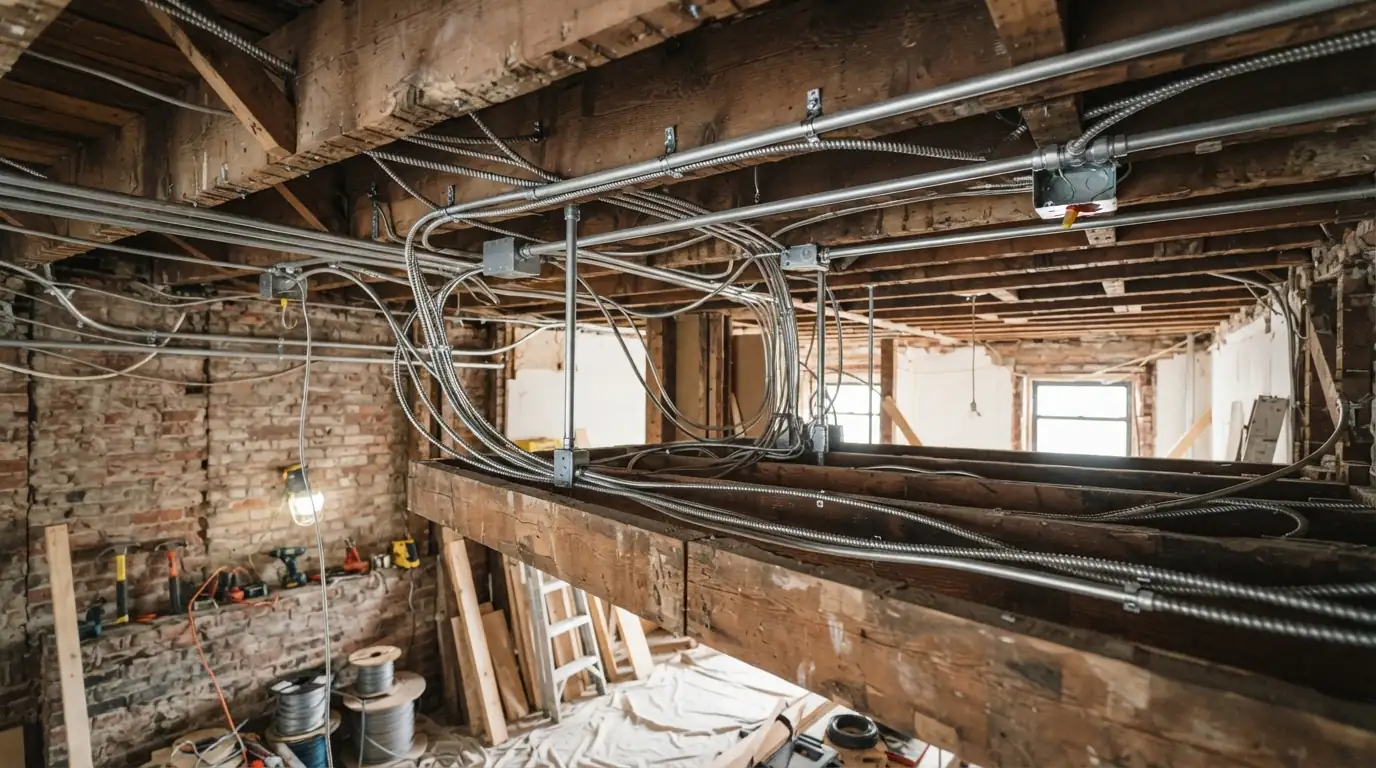
- Route planned to hide every cable
- Cable run, terminated and tested
- Both ends labeled
Data and intercom wiring in a New York home means running Category 6 Ethernet cable to desks, TVs and Wi-Fi access points, coax where needed, and low-voltage intercom or doorbell cable, each kept separate from power wiring and tested end to end. One wired access point per floor usually fixes dead Wi-Fi zones better than another plug-in extender.
Rather ask a person?(929) 755-0293What low-voltage wiring involves
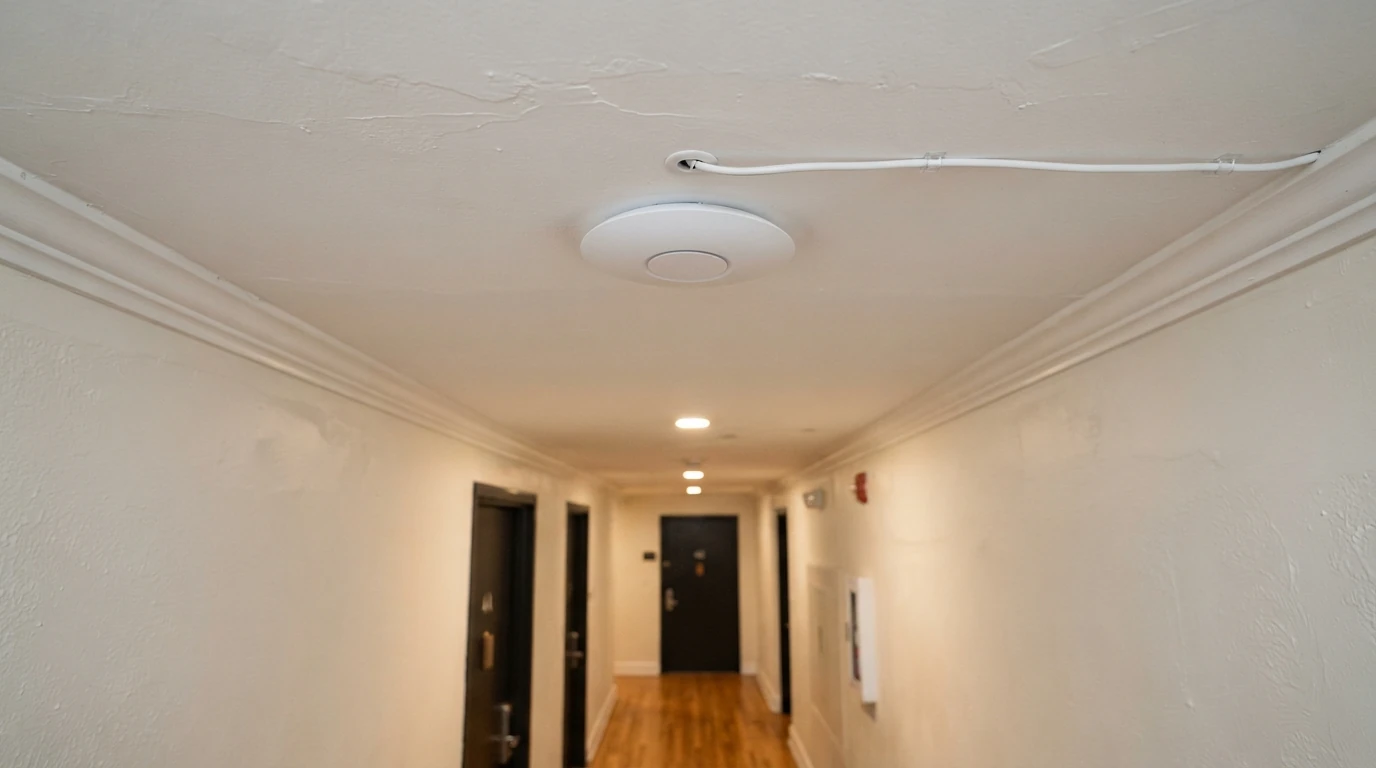
Most homes run everything on Wi-Fi from one router in a corner, and the far rooms suffer. A few cables change that: Ethernet to the desk where calls happen, to the TV that streams, and to one or two ceiling access points that spread strong Wi-Fi evenly.
The work is mostly routing: through closets, along baseboards, down from an attic or up from a basement, keeping low-voltage cable apart from power wiring. Every run ends in a proper jack, is tested, and is labeled at both ends so it can be traced later. For smart switches and doorbells that also need power, see smart home wiring.
Updated September 2026
What sets the cost of data and intercom wiring
Routing decides the price more than the cable does.
- Number of runsEach cable is pulled, terminated and tested.
- RouteAttics and basements are easy; finished walls between floors are not.
- Patch panel or jacksA central panel adds parts but keeps things tidy.
- Access pointsCeiling mounting and cable to each one.
- Intercom repairsOld systems may need parts or a new station.
Wired, mesh or coax
| Factor | Wired Ethernet | Mesh Wi-Fi only | Coax |
|---|---|---|---|
| Speed and steadiness | Best | Good near units, falls off farther away | Good for its purpose |
| Best for | Desks, TVs, access points | Rooms where cable cannot go | Cable boxes, antennas, some internet service |
| Installation | Cable runs | Plug-in units | Cable runs |
| Weak point | Needs a route | Each hop loses speed | Limited to coax devices |
The best setup is usually mesh access points connected by Ethernet: the reach of mesh with the speed of cable.
Running it yourself versus calling us
| Task | Doing it yourself | With us |
|---|---|---|
| Plug-in extenders | Easy, but slow in far rooms | Wired access points |
| Cable along baseboards | Visible and easily damaged | Hidden routes |
| Terminating jacks | Easy to wire in the wrong order | Terminated and tested |
| Near power wiring | Interference and code issues | Kept separate |
Setting up the router and devices is a homeowner job. Fishing cable through walls and between floors is where a pro saves time and plaster.
Three kinds of low-voltage job
Ethernet and Wi-Fi Access Point Wiring
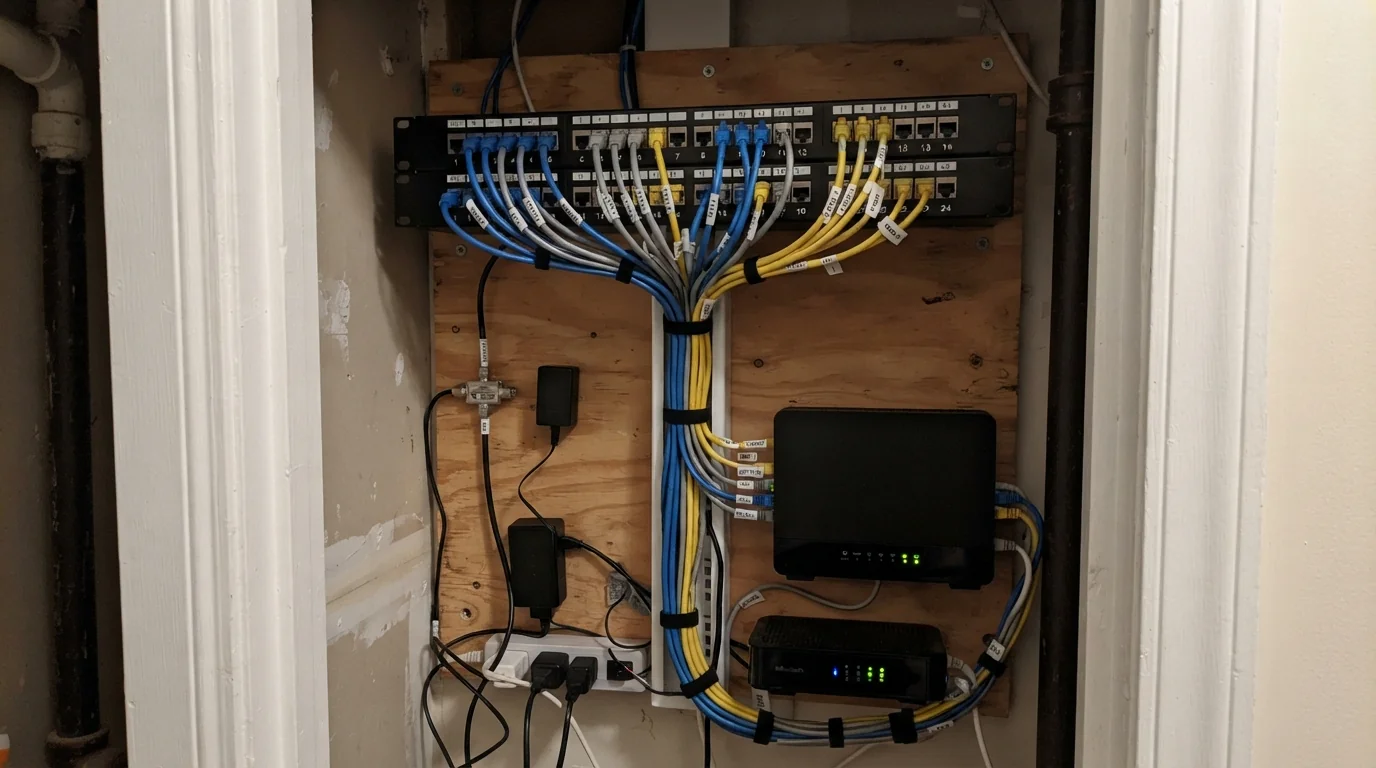
A wired access point in the middle of each floor gives even Wi-Fi without the drop-offs of plug-in extenders. We run Category 6 cable from the router location to each access point and to fixed devices like desks, TVs and consoles, terminate each run in a keystone jack or patch panel, and test every cable for continuity and wiring order. The router location often moves to a closet with a small panel, so all cables land in one tidy, reachable place.
Coax and Streaming Runs
Most TV now arrives over the internet, but some homes still need coax for a cable box, an antenna or a satellite dish, and some internet service itself arrives on coax. We run new coax where the provider's equipment needs it, replace old cable with damaged connectors, and remove dead runs that only confuse later work. Where a room only needs streaming, we often recommend Ethernet to the TV instead, which is faster and steadier than coax for that job.
Apartment Intercom and Video Doorbell Wiring
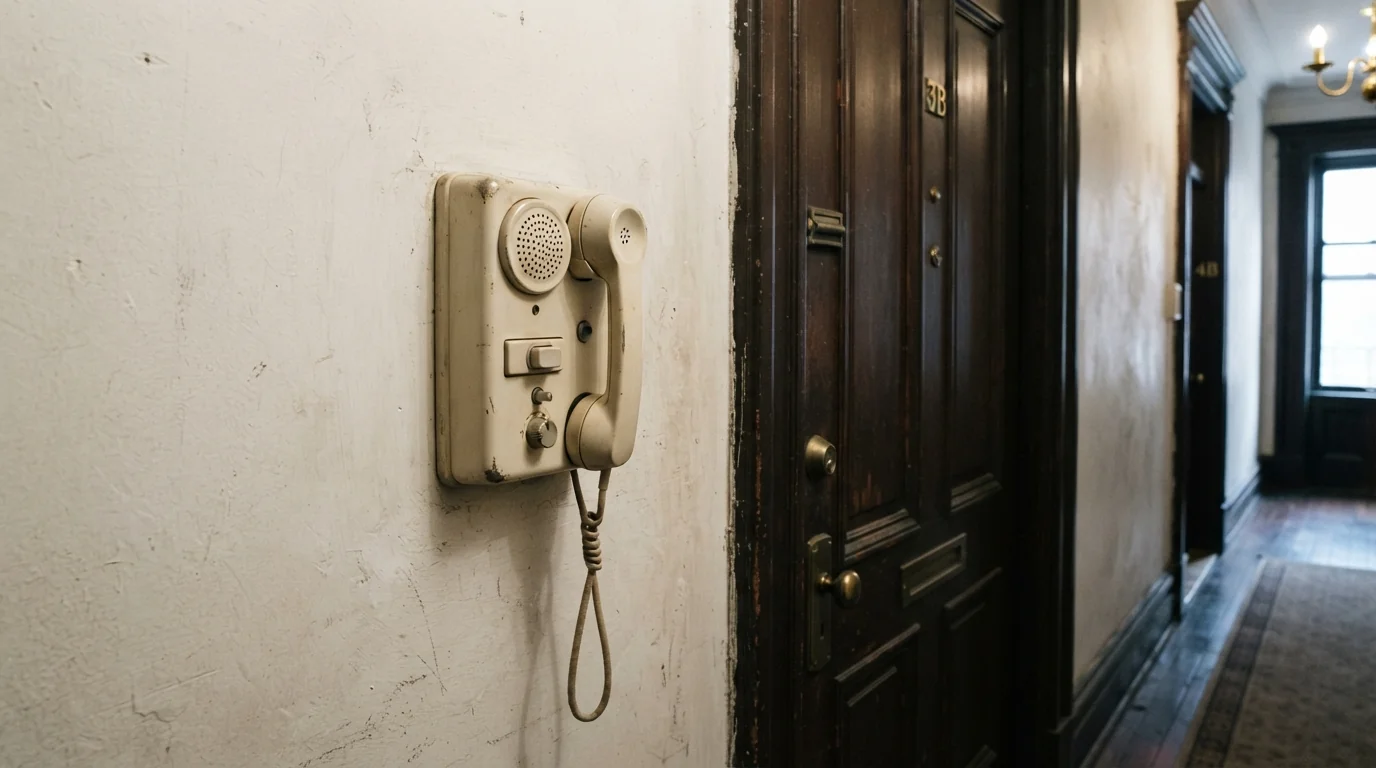
Walk-up buildings and brownstones often have old buzzer and intercom systems where the door release no longer works or the handset hums. We trace the wiring, repair or replace the apartment station, and check the transformer and door strike. Video doorbells in houses need a transformer sized for them. In apartment buildings, any change to the building intercom goes through the owner or managing agent, since it affects every unit on the system and often the building's front door hardware.
Houses and rental buildings
Small homes make up over a quarter of the city's housing, mostly in Brooklyn and Queens, and in those houses a basement or attic gives an easy route for Ethernet to every floor. Rentals are a different case: the city counted about 1,006,000 rent-stabilized apartments in 2021, and in those buildings intercoms and shared wiring belong to the landlord, so tenant requests go through the owner before we change anything on the building system.
How a data wiring job runs
Walk the home
Where the router sits and where signal is weak.
Plan the runs
Desks, TVs, access points and hidden routes.
Pull the cable
Kept apart from power wiring.
Terminate and test
Every run tested end to end.
Label
Both ends marked for future work.
Data and intercom wiring questions
Usually, far better than plug-in extenders.
Category 6 for Ethernet in most homes.
Yes, through walls, closets, attics or basements.
The apartment station, yes; building-wide changes go through the owner.
Only if a device or your internet service uses it.
Yes, with cables run to where you need them.
We run and test the cabling; your provider or IT sets up the network.
Related work in the same system
Wire the rooms Wi-Fi does not reach
Call any hour. Tell us where the router is and where the signal drops.